Dirt Cheap NAS Storage – Podcasting & Video Creation
As a content creator who runs multiple mini-shows, clips, ads, and more — I have a huge need for rock solid storage, and more importantly, storage I can expand. Too many times have I put everything onto a single drive, only to have it crash, delete, or lose various parts of my files. This is ultimately why I put the money into a storage device.
I put this together for the people who need cheap storage, who want something that’s good with electricity.
Just a quick rundown of the things I’ve used….
- Windows Server (at least 4 different builds)
- Linux Server(s)
- Synology 1522+ NAS (now the 1525+)
Why I Dropped Windows & Linux Boxes
There’s nothing wrong with building your own computer, shoving a bunch of drives into it, and using hardware RAID, or some kind of software RAID hybrid, but I dropped these approaches because they were annoying to maintain, and they use a lot of power considering it’s just sitting there idle 24/7.
I actually got off all of the storage-pooling stuff for a few years and just raw-dogged an external drive with extremely careful backups.
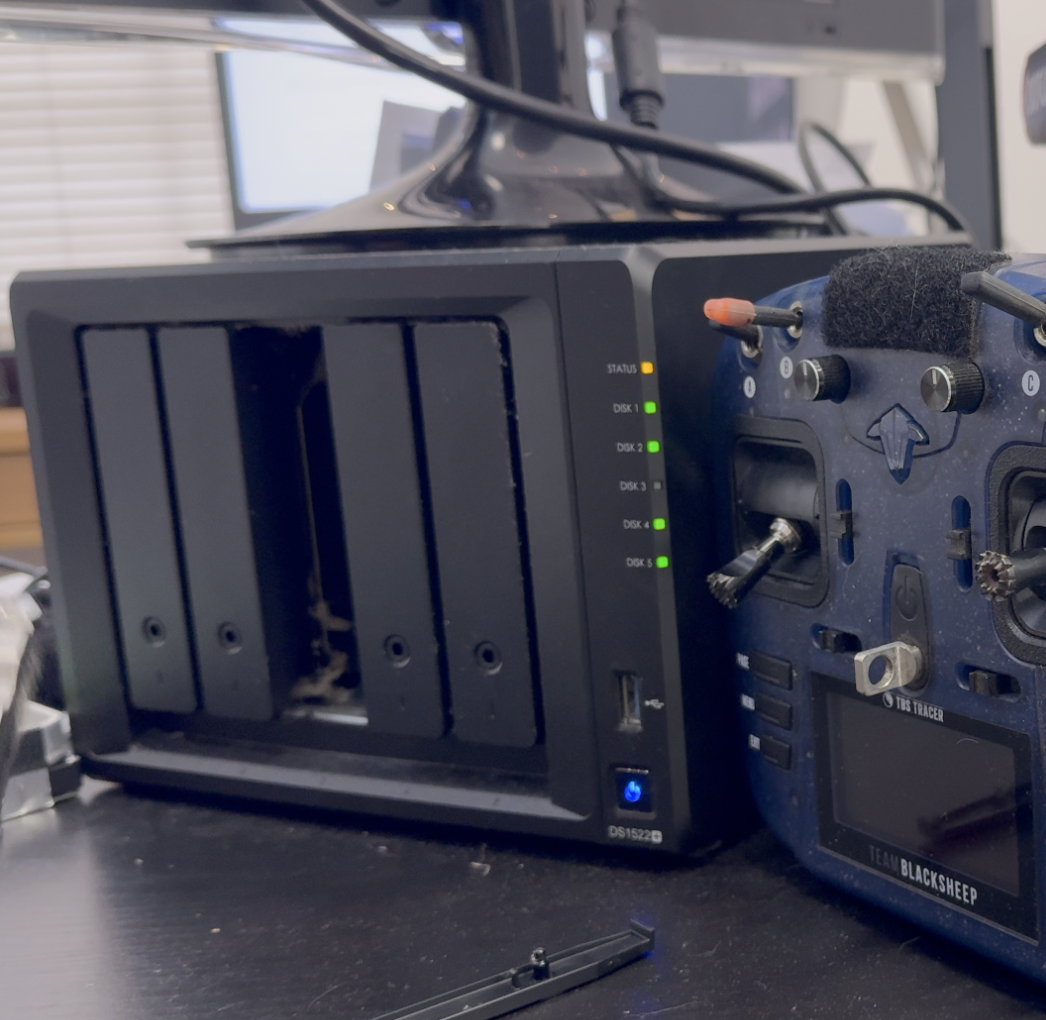
But as my needs shifted, and the scariness of losing everything in the blink of an eye….I bought a Synology 1522+ last year.
And if you’re a podcaster, video creator, of a collector of stuff…you should get one

How I Sourced My Drives
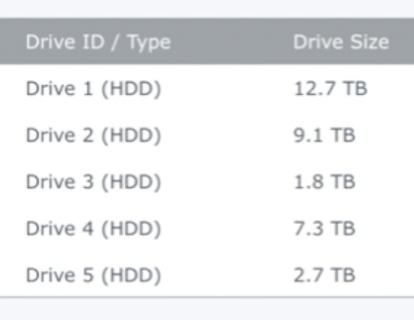
I basically used spare drives I already had to start the pool. Then I started to slowly swap in newer drives.
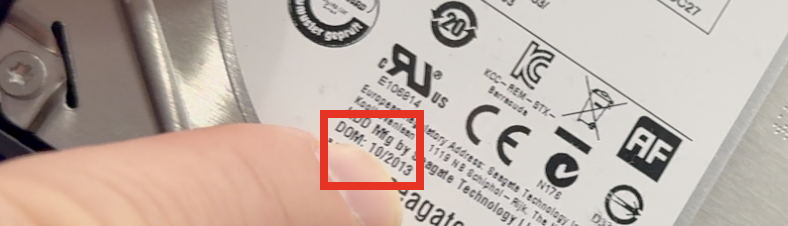
I had a 2tb drive manufactured in 2013, and it also was the smallest drive in the pool and it was time to swap it out.
The Drive I Bought…
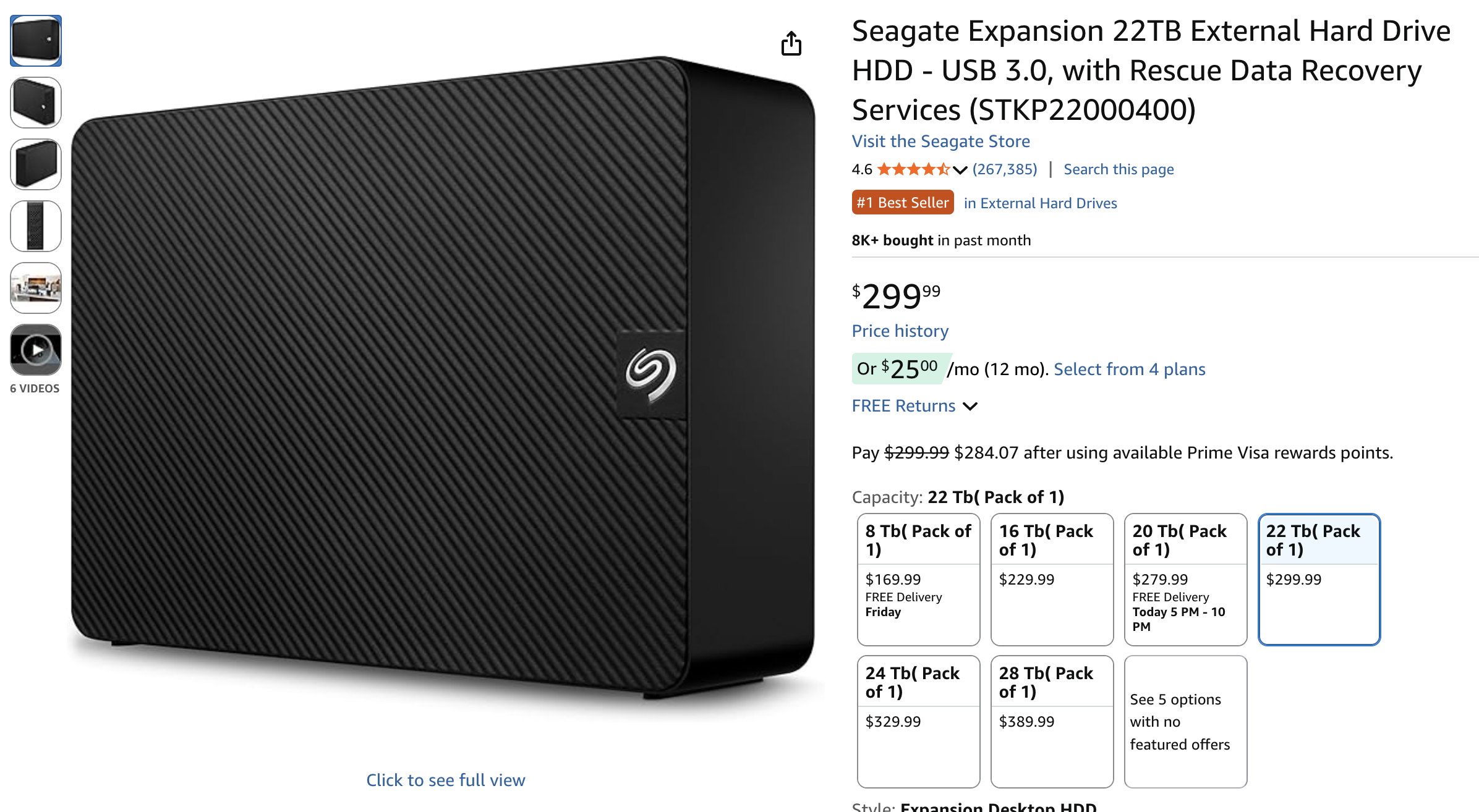
Truth be told I wanted to get the 28tb drive on their Black Friday sale (it was $100 off) but it sold out before I could grab it. So I opted for the next best thing… the measily 22tb monster. It’s technically a Seagate stkp22000400 shucked if you need to know how to shuck it, watch the video at the top of the page. I show you how to do it.
 Why An External Drive?
This is not always the route to take – this is just the route that I take — I like to buy external drives because you can get much more storage at a discount when you compare the prices to similar-sized drives that don’t come in an enclosure. I don’t know why the pricing works out this way, but you can look for yourself and see how prices compare. It’s usually $100 difference for the same amount of space!
I am also less particular about “which drive to get” because as long as it’s Seagate, Western Digitial, Hitachi, or some other known brand — you’re probably going to be okay. I just wouldn’t get an off-brand drive… no thanks!
Also — I’m comfortable ripping these cases open, because after the tsunami of 2011 in Thailand…. hard drive prices went through the roof because that’s where they make most of them. So at the time I needed to fill one of my servers and that’s how I discovered this little price hack 😉

Shucking The Drive
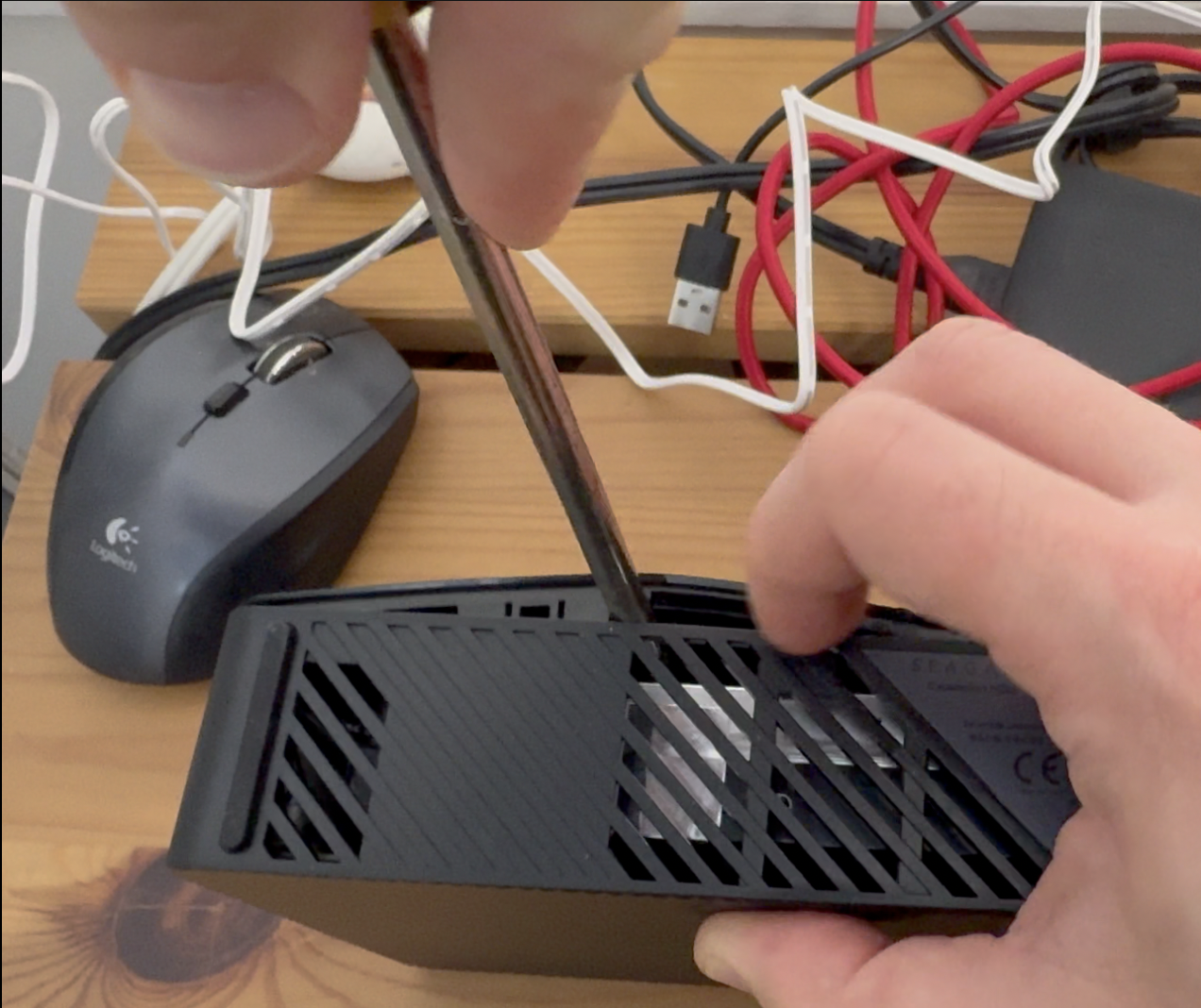
All you need is a screwdriver and a little patience. I would encourage you to watch my video because I show you how to do it simply. And you’re in luck, because most of these drives are made the same way and open the same way.
Adding The Drive To The Pool
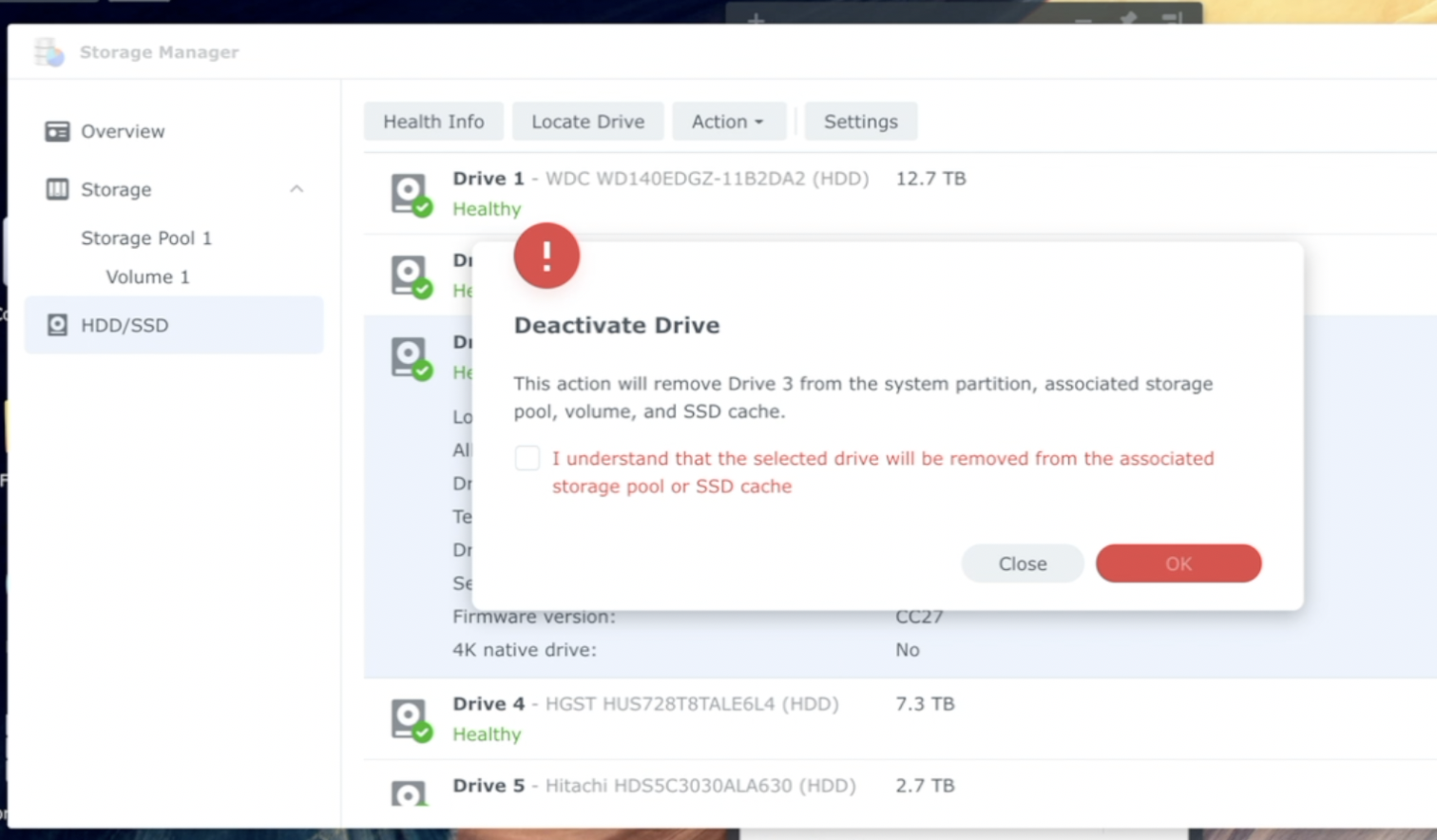
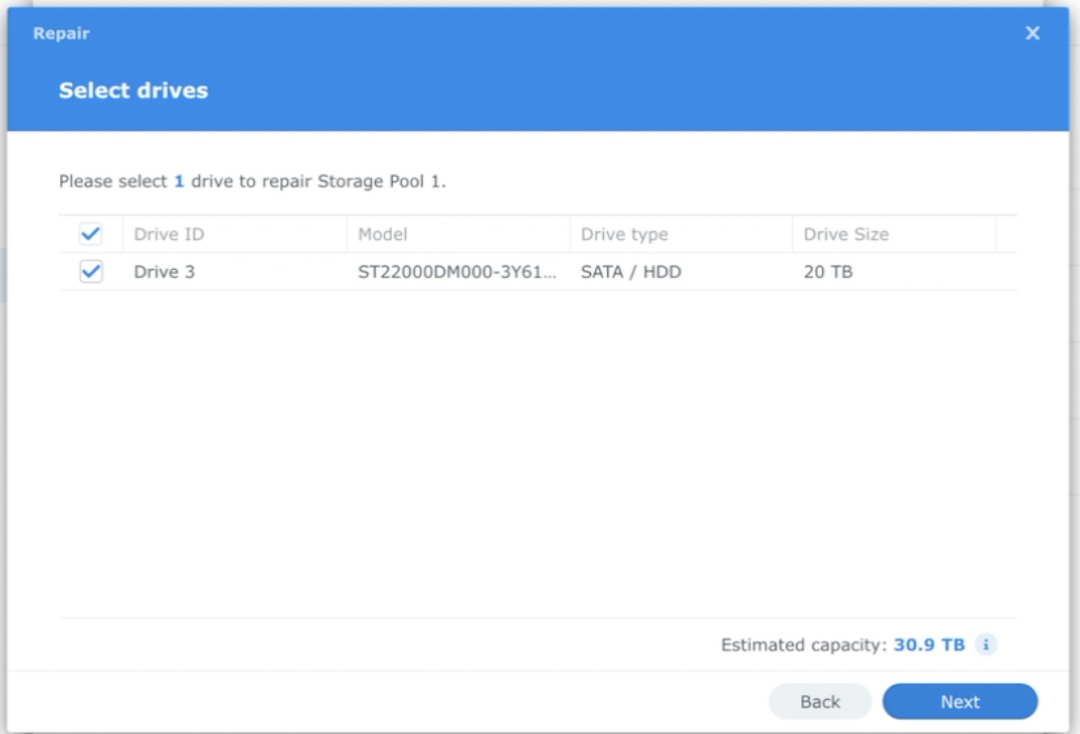
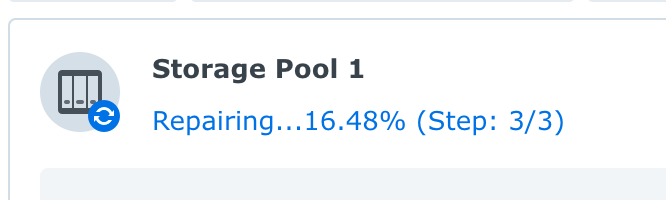
Again…watch the video I made! But it’s very simple, you deactivate the drive, you pop the new drive in, add it to the pool, and boom you’re off to the races. I can still work while the pool adds the new drive in!
Data Protection On Steroids
This is hands down the best way to back up a small podcast, YouTube channel, graphics designer….whatever you do. I have about 30tb of storage, I can add more as I grow, and it’s super fast too.
I always advocate for the 3-2-1 back up solution…. so while this thing is fantastic, you will want to back up your stuff to another medium in another location — and the software in Synology makes that super simple to do.
Lastly, I also use CrashPlan Pro which is technically a business-level backup solution, but this is a business, and if you’re making money with your stuff you can write it off. The reason why I use these guys is because it allows for devices like this to be backed up without any restrictions, and it’s unlimited storage too!