Yamaha MGX Series for Podcasting: The Practical Guide (MGX12 vs MGX16 vs MGX-V)
If you’re shopping for a podcast mixer and the Yamaha MGX series is on your radar, you’re probably not looking for “good enough.” You want clean mic preamps, simple monitoring for multiple hosts, and a workflow that won’t fall apart when you add remote guests, livestreaming, or video.
That’s where MGX is genuinely different: it’s a compact digital mixing console that keeps an “analog-ish” hands-on workflow, but adds modern creator features like dual USB, multitrack recording, Bluetooth input, and (on V models) an HDMI-USB video interface. Yamaha positions MGX specifically for applications like podcasting/live streaming and hybrid production. (See Yamaha’s MGX overview.)
External references:
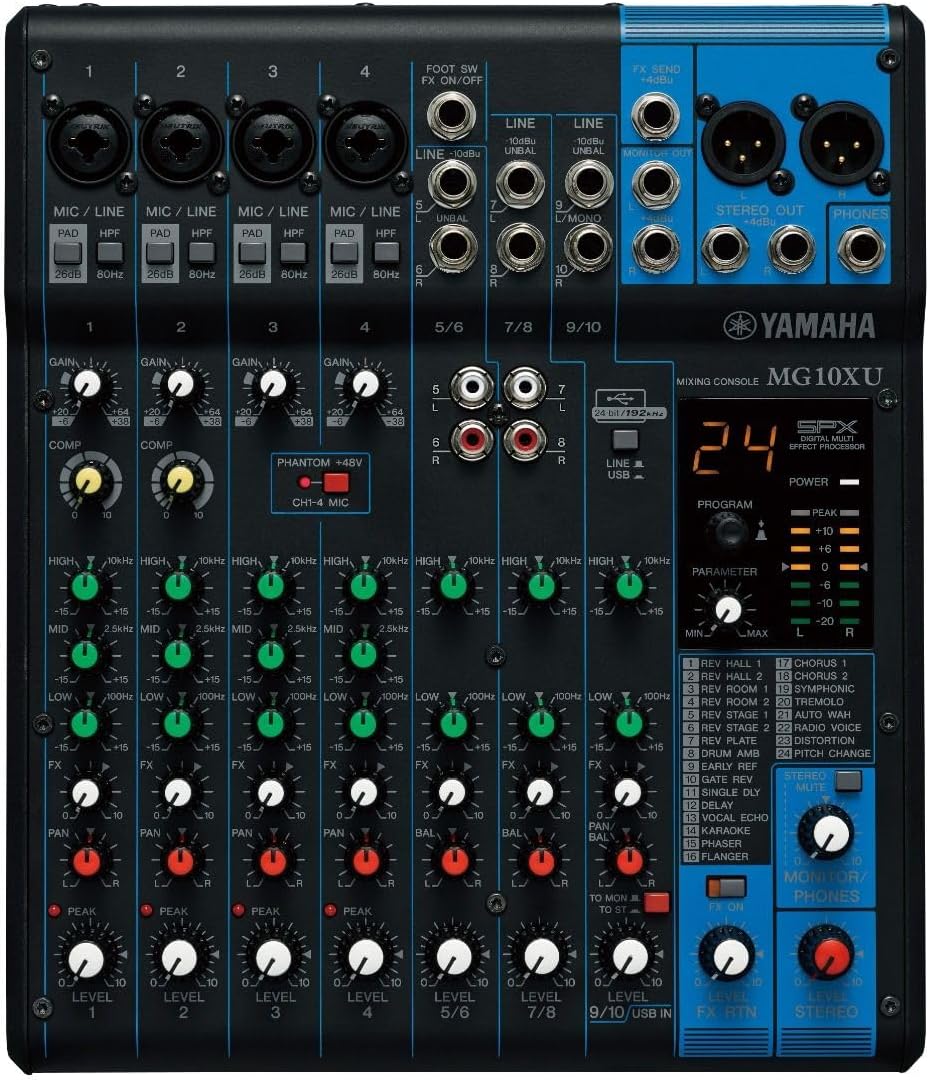
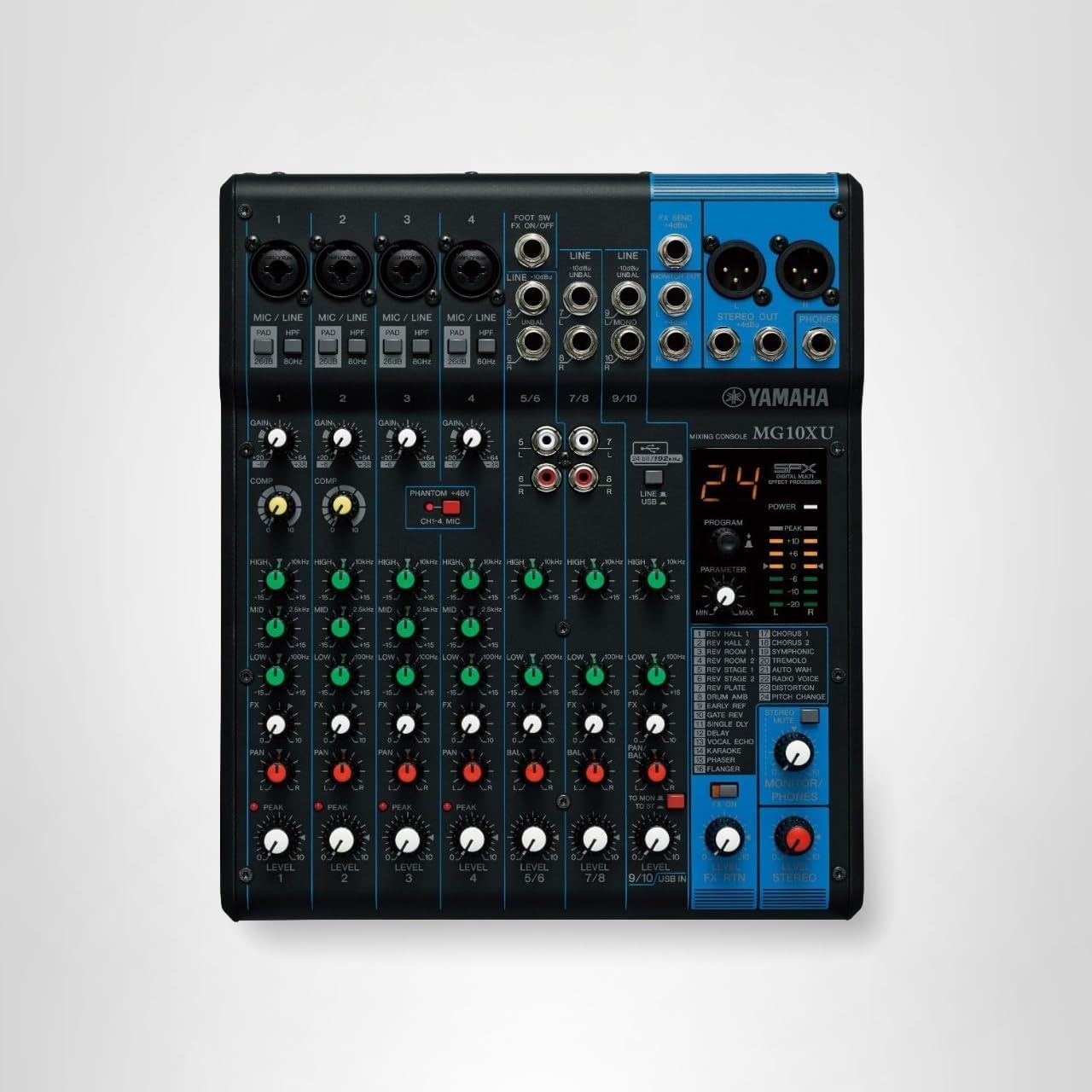
MGX10XU
MGX12V
MGX16XU
Quick Verdict: Who Should (and Shouldn’t) Buy a Yamaha MGX for Podcasting?
MGX is worth it if you:
- Run a 2–4 person podcast and want proper monitoring (no cheap splitters).
- Need multitrack recording so you can fix each mic in post.
- Livestream and record at the same time (or want a backup recording that doesn’t depend on your computer).
- Want a “real mixer” feel, but with digital routing and creator-friendly I/O.
MGX is probably overkill if you:
- Record solo and never plan to add co-hosts or guests.
- Just want one-button recording with minimal learning curve.
- Only need a basic USB interface and don’t care about multitrack or routing.
If you’re still deciding what category of gear you actually need, this internal guide can help:
Audio Mixer for Podcast: How to Pick the Right One.
What Makes Yamaha MGX “Podcast-Ready” (In Real-World Terms)
1) Four headphone outputs = no more monitoring hacks
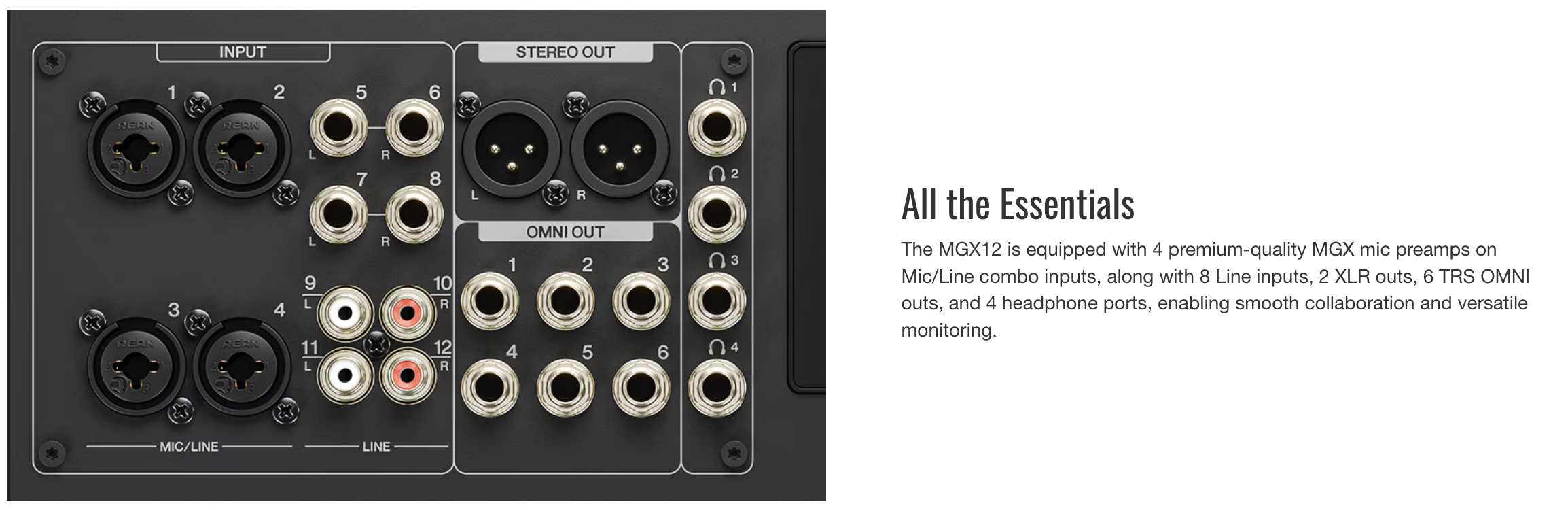
One of the most annoying “small podcast studio” problems is monitoring. Many mixers and interfaces give you one headphone out, then you’re forced into splitters (and volume fights). MGX consoles are built for collaboration—Yamaha lists multiple headphone ports on models like the MGX16, which is exactly what you want for multi-host shows.
Podcast tie-in: If your show has co-hosts, this also matters for performance and pacing—people talk over each other less when they can hear cleanly. If you want a deeper gear breakdown for group shows, link this internally:
Podcast Equipment for Co-Hosts and Groups.
2) Multitrack recording (USB) for real editing control
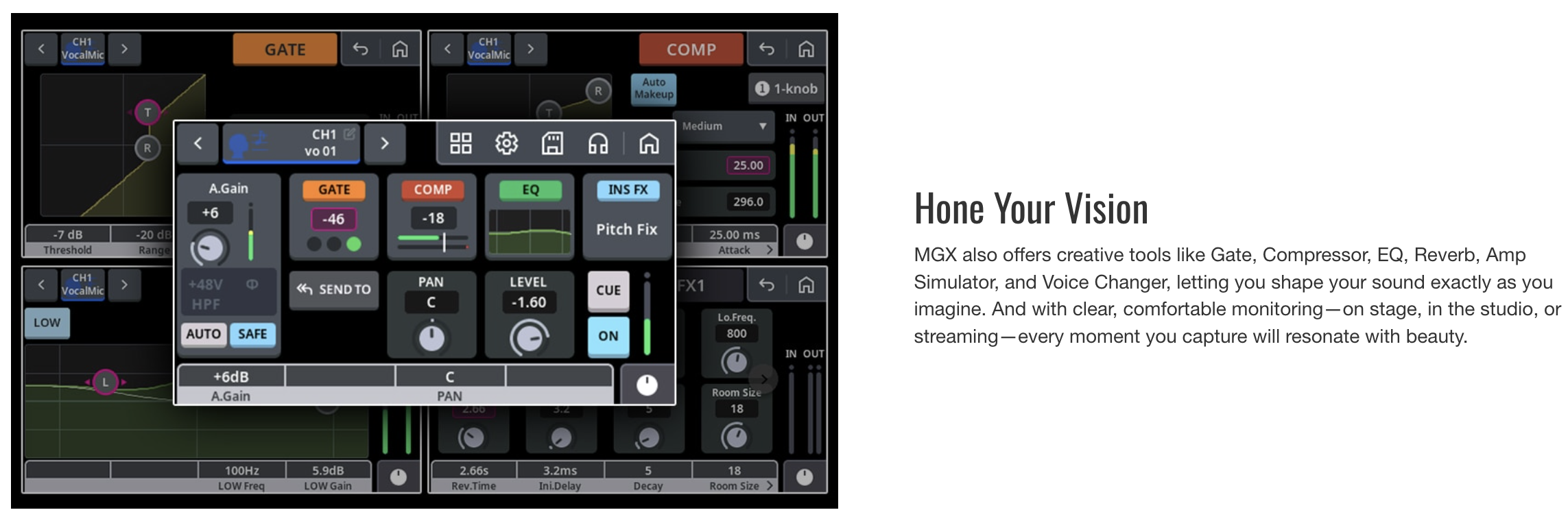
The MGX series supports multitrack recording over USB—meaning you can capture isolated tracks instead of a single stereo “baked” mix. That’s the difference between “I hope this sounds okay” and “I can fix anything later.”
When it matters most:
- Guests who are too quiet (or too loud)
- Rooms that aren’t acoustically treated
- Shows with frequent interruptions / cross talk
- Any podcast where the host wants “broadcast clean”
If you’re comparing mixer-based recording to a classic audio interface workflow, this internal explainer helps frame it:
XLR vs USB.
3) microSD recording = the “oh no, my computer died” safety net
Yamaha highlights microSD multi-track recording/playback as a core MGX feature. For podcasters, this is huge: you can record without trusting a laptop, a DAW, or OBS. It’s also a backup strategy if you stream and record simultaneously.
Want to level up your overall “never lose an episode” strategy? This internal article fits perfectly as a supporting link:
How to Archive and Back Up Your Podcast Like a Pro.
4) Dual USB Type-C (MAIN / SUB) + multi-stream workflows
Yamaha’s MGX lineup emphasizes dual USB ports and flexible routing. In a podcast workflow, that can look like:
- Record multitrack to a production computer while sending a clean stereo mix to a streaming computer.
- Run your DAW and OBS in parallel without constantly re-patching.
- Keep a second system ready for redundancy.
If you livestream your show (or want to), link this internally:
Live Podcast Streaming.
5) Bluetooth input (A2DP): useful, but don’t overthink it
MGX includes Bluetooth audio input, which is nice for playing intro music, bumpers, or reference audio. But Bluetooth is not ideal for latency-critical call-ins. Think “playback and utility,” not “main program audio.”
For music workflows and legal caution around music in podcasts, these internal links can make sense depending on your editorial angle:
Podcast Intro Music and
Can You Play Music on a Podcast?.
MGX12 vs MGX16: Which One Is Better for Podcasting?
Choose MGX12 if you want the “sweet spot” for 2–4 people
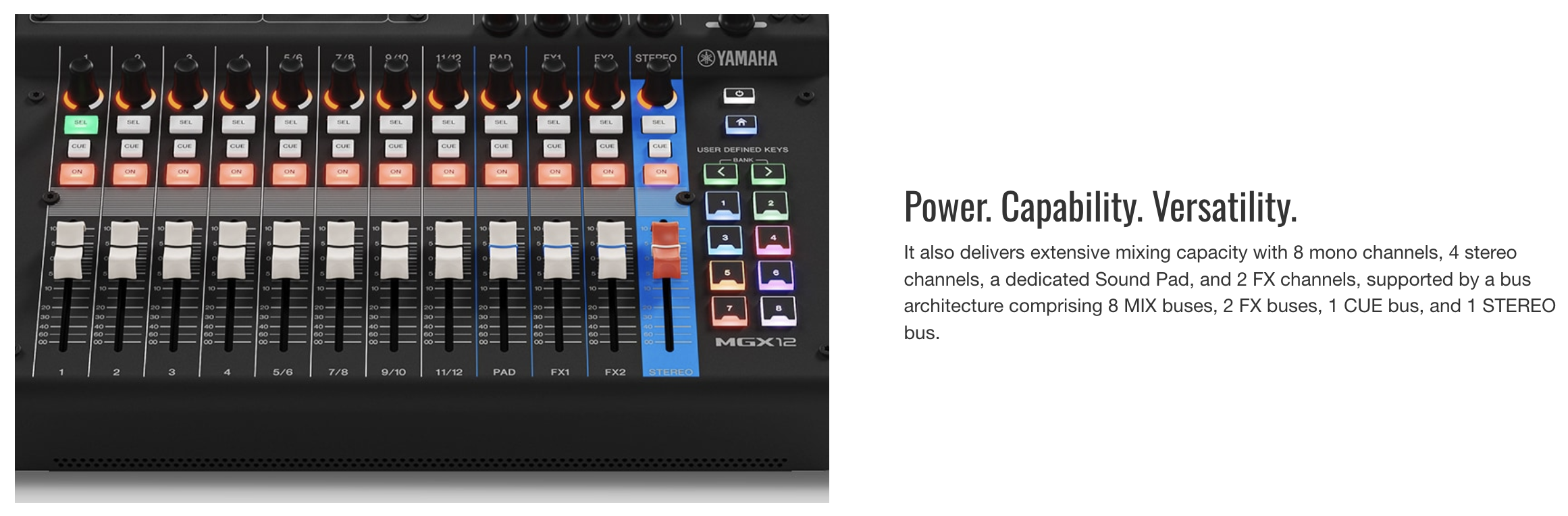
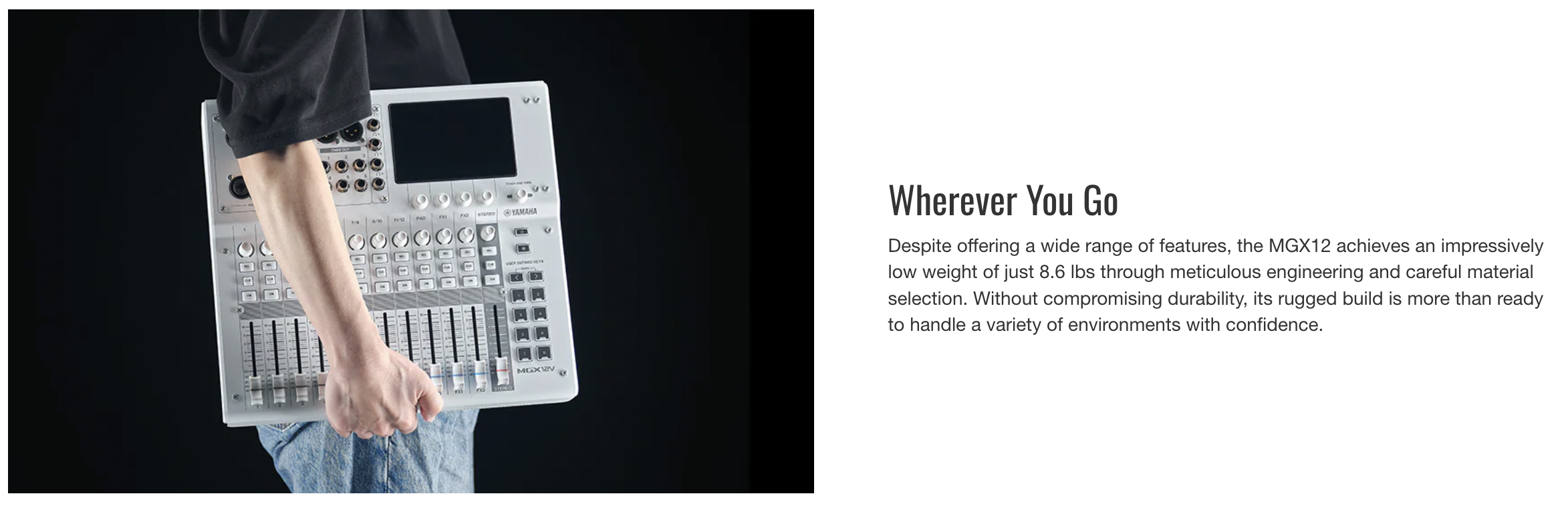
The MGX12 is the model that naturally fits most podcast studios: enough mic inputs for a typical roundtable, modern routing, multitrack recording, and the same MGX ecosystem approach.
Best for:
- 2–4 mic shows
- Interview podcasts
- Creators who livestream occasionally
- Studios that want pro routing without a massive footprint
Choose MGX16 if you want headroom for growth (or complex shows)
The MGX16 adds more input flexibility and is built for busier sessions—extra mics, more sources, more routing options, and more monitoring complexity. Yamaha highlights the MGX16’s collaboration-friendly I/O, including multiple headphone ports, as part of its “All the Essentials” positioning.
Best for:
- Panel shows or frequent multi-guest formats
- Shows that integrate more sources (music, remote feeds, multiple computers)
- Podcast + live events / small venue crossover
Should You Get the MGX-V Models for a Video Podcast?
The MGX12V and MGX16V include Yamaha’s HDMI-USB video interface concept (Yamaha calls out the video interface on the V model product pages). If you’re building a video podcast workflow, that’s potentially a big simplifier: fewer boxes, fewer failure points, and tighter audio/video integration.
Buy MGX-V if:
- You run a video podcast regularly (not “maybe someday”).
- Your workflow revolves around OBS / livestreaming / virtual events.
- You want HDMI pass-through/capture style integration inside the same ecosystem as your audio mixer.
Skip MGX-V if:
- You’re audio-first and edit in a DAW later.
- You already have a capture solution you like.
Internal links that pair well here:
A Simple Yamaha MGX Podcast Setup (2–4 Mics)
What you’ll need
- Microphones (XLR) — 2 to 4, depending on your show
- Headphones — one per host
- Microphone cables (XLR)
- Computer for recording/editing (optional if you rely on microSD)
Helpful internal links:
Basic routing approach (clean + editable)
- Set each mic gain so normal speaking hits a healthy level without clipping.
- Record multitrack so each mic is isolated for editing.
- Send a separate “program” mix to streaming (if livestreaming), with conservative limiting/compression.
- Keep a backup recording (microSD or second system) for anything important.
Remote Guests: Where MGX Helps (and Where It Doesn’t)
Remote guests are where many podcasts get messy: echo, weird routing, and unpredictable levels. MGX helps because it’s designed around flexible routing and creator workflows. But you still need a good remote recording platform and a plan for monitoring.
If you’re doing remote shows, add these internal links:
MGX vs “Podcast Consoles” (RØDECaster, GoXLR, etc.) — The Honest Difference
Podcast-centric consoles tend to win on simplicity: one record button, built-in pads, and fewer decisions. MGX wins when you want:
- More professional mixing/routing that scales with your show
- Real multitrack workflows for post-production
- Better monitoring for multiple hosts
- Hybrid audio + livestreaming (and video integration on MGX-V models)
If your audience is “serious hobbyist” to “working creator,” this is the kind of nuance that helps you rank—and helps readers trust you.
Relevant internal comparison-style hub links (optional, but can boost topical authority):
FAQ: Yamaha MGX for Podcasting
Is Yamaha MGX good for a 4-person podcast?
Yes—MGX is explicitly positioned for multi-person creator workflows, and the series is designed with collaborative monitoring and routing in mind (including multiple headphone outputs on models like MGX16). It’s a strong fit when you want each mic isolated for post editing.
Do I need the MGX-V models for podcasting?
No for audio-only shows. MGX-V is mainly worth it if you’re doing a video podcast or livestream and want HDMI/USB video integration in the same system.
Is Bluetooth on MGX useful for podcasts?
Yes for playback (music beds, bumpers, reference audio). Not ideal for latency-sensitive call-in audio.
Can I record without a computer?
MGX supports standalone-style workflows via storage recording features Yamaha highlights as part of the MGX lineup (microSD multi-track recording/playback). That makes it attractive for redundant capture and “just hit record” sessions.
Bottom Line: Which Yamaha MGX Should You Buy?
- Most podcasters: MGX12 (best balance for 2–4 mics)
- Growing shows / more inputs / more complexity: MGX16
- Video podcast + streaming focus: MGX12V or MGX16V
- StreamYard Business Plan Review: Is It Worth $299/Month for Teams?
- Synology DS1525+ for Podcasters: What You Need to Know Before You Buy
- StreamYard Pricing (2026): Full Comparison of Plans, Differences, Features & Discounts
- Podbean Pricing: The Best Podcast Hosting Platform for Getting Started?
- SquadCast Pricing Explained: Every Plan, Feature, and Trade-Off Worth Knowing