Best Podcast Cameras in 2026: Creator Picks for Every Budget
Best Cameras for Podcasting: Webcams, Mirrorless & Camcorders Compared
Last Updated: June 2026
The best podcast camera for most creators is the Sony ZV-E10 II for studio-quality mirrorless video, or the Logitech MX Brio and OBSBOT Tiny 2 if you want a plug-and-play webcam. For clip-based, on-the-go shows, the iPhone 17 Pro shoots better video than most dedicated cameras did a few years ago. Your choice comes down to budget, studio space, and whether you record live, batch, or remote.
The podcasting world isn’t just audio anymore. With YouTube, Spotify Video, and TikTok pushing video-first discovery, a sharp, reliable camera setup is essential. Whether you’re livestreaming, batch-recording interviews, or building a full studio, the right camera can elevate your show from amateur to professional without blowing your budget. Below we break down the best podcast cameras in 2026 by type, budget, and use case, then answer the most common video gear questions podcasters ask.
Check current podcast camera prices on Amazon →
Top Podcast Cameras at a Glance
- Best overall (mirrorless): Sony ZV-E10 II – 26MP APS-C sensor, 4K 60p 10-bit, creator-focused autofocus (~$1299 body).
- Best webcam: Logitech MX Brio – 4K with AI image enhancement and a large sensor for low-light rooms (~$199).
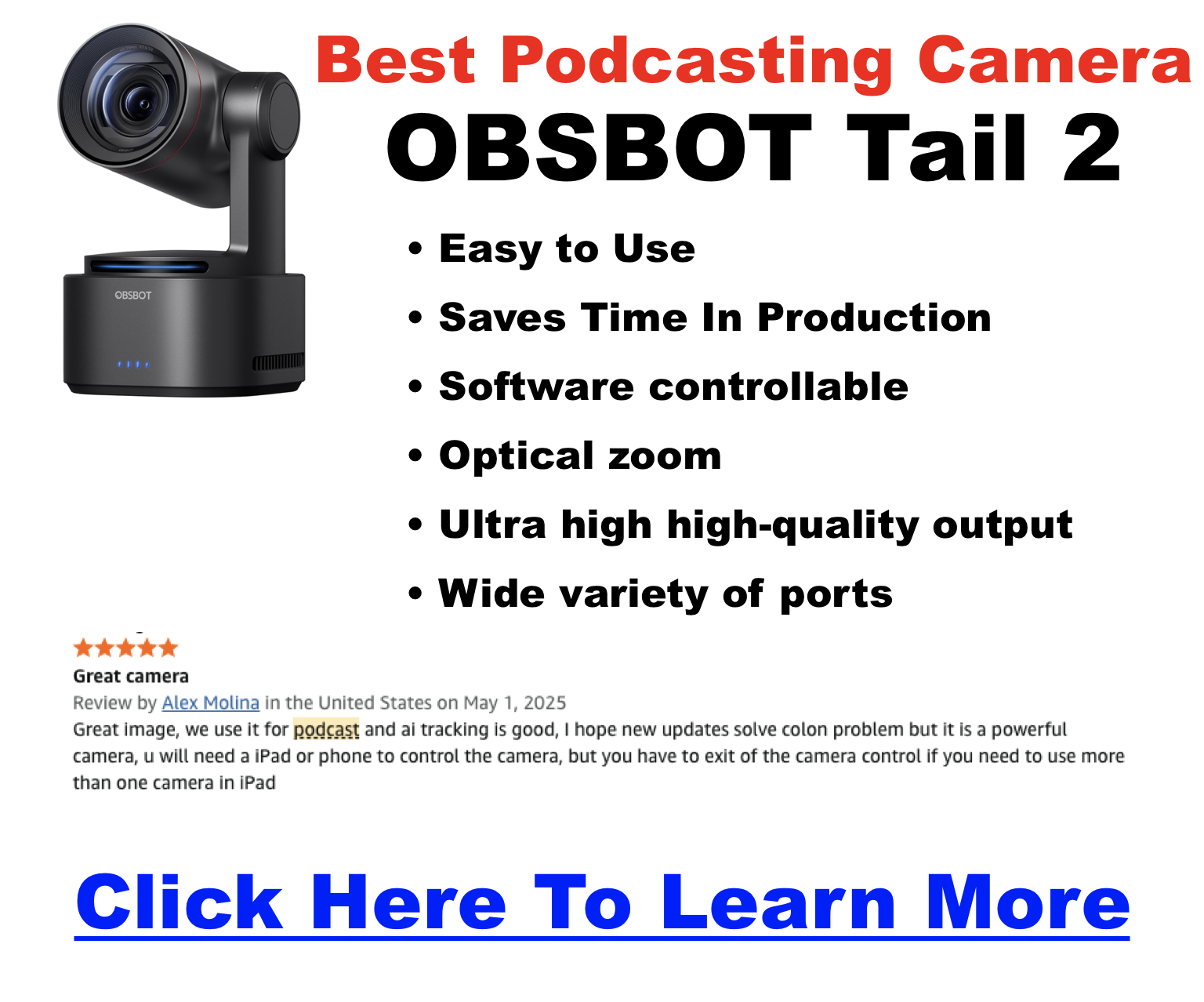
- Best for solo/dynamic shots: OBSBOT Tiny 2 – 4K AI auto-tracking and gesture control that keeps you framed while you move.
- Best for streamers: Elgato Facecam MK.2 – tuned for studio lighting with deep manual controls.
- Best for clip-based shows: iPhone 17 Pro or Samsung Galaxy S25 Ultra – phenomenal 4K video you already own.
For folks interested in mirrorless, DSLR, and more advanced multi-camera live setups, see our deeper guide here: Live Podcasting Is Not Dead Simple.
Why Does Your Podcast Camera Setup Matter?
Your camera directly affects how credible, watchable, and monetizable your video podcast is. Three reasons it matters more than most new podcasters expect:
- First impressions count. Grainy, soft video lowers perceived credibility instantly, especially on YouTube where viewers decide within seconds whether to keep watching.
- Retention and monetization. Better visuals increase watch time, which feeds the YouTube algorithm and helps unlock sponsorships, the YouTube Partner Program, and premium memberships.
- Multi-platform repurposing. A camera with crisp detail lets you cut clean Reels, Shorts, and TikToks from a single full episode, multiplying your content from one recording.
What Are the Different Types of Podcast Cameras?
There are six camera categories podcasters typically choose from, each with a clear sweet spot. Match the type to your space and workflow before you shop for a specific model.
| Camera Type | Strength | Best For |
|---|---|---|
| Webcam | Plug-and-play, budget-friendly | Beginners, remote hosts |
| Mirrorless | Cinematic quality, compact body | Solo creators, studio upgrades |
| DSLR | Pro-level quality, lens flexibility | Experienced podcasters, videographers |
| Camcorder | Long recording, built-in zoom | Full episodes, live events |
| Streaming cam | AI tracking, USB-C ready | Livestreams, solo recordings |
| Smartphone | Highly portable, surprisingly capable | Budget creators, clip-based shows |
What Are the Best Webcams for Podcasting?
Webcams are the fastest path to decent video: plug in over USB and you’re recording. They’re ideal for remote interviews and solo hosts who don’t want a separate capture chain.
- OBSBOT Tiny 2 – 4K video with AI auto-tracking and gesture control; excellent for solo hosts who move around or present to a whiteboard.
- Logitech MX Brio – Logitech’s current 4K flagship, with a larger sensor and AI enhancement that holds up far better in dim or backlit rooms than the older Brio 4K. Strong balance of cost and quality at around $199.
- Elgato Facecam MK.2 – built for streamers; gives you manual control over exposure, white balance, and ISO, and looks superb under controlled studio lighting.
Pro tip: Pair any webcam with proper lighting and you’ll outperform many mirrorless cameras in poorly lit rooms. A simple key light makes a bigger difference than a sensor upgrade, so read our podcast lighting setups guide before spending more on a body.
What Are the Best Mirrorless and DSLR Cameras for Podcasting?
Mirrorless cameras are the sweet spot for podcasters who want a cinematic, shallow-depth-of-field look without DSLR bulk or overheating. They cost more and need a capture card or USB streaming, but the image quality is a clear step above any webcam.
- Sony ZV-E10 II – built for creators, with a 26MP APS-C sensor (shared with the pricier a6700), 4K 60p 10-bit recording, a fully articulating screen, excellent autofocus, and USB-C webcam streaming. Around $999 body-only, it’s our top all-around pick.
- Canon EOS R50 – an affordable entry into Canon mirrorless with clean HDMI out, a mic input, and the color science Canon shooters love. A great first interchangeable-lens body.
- Canon 5D Mark IV – a legendary full-frame DSLR with gorgeous Canon color and deep lens flexibility. It’s an older body, so it shines most as a used-market value buy for podcasters who already own EF glass.
Stepping up to a high-end body? The Canon EOS R5 Mark II is a popular flagship for video podcasters who want full-frame 8K. See our detailed Canon EOS R5 Mark II vs. R5 comparison before you commit at that price point.
What Are the Best Camcorders and Streaming Cameras?
Camcorders and dedicated streaming cameras shine for long, uninterrupted sessions and live shows, where webcam recording limits and DSLR overheating become real problems.
- Canon Vixia HF G70 – no recording-time limit, crisp 4K, and long battery life; ideal for marathon podcast sessions and live events.
- Panasonic HC-V770 – an affordable Full HD camcorder with solid built-in zoom and a 3.5mm mic input for cleaner audio.
- Elgato Facecam Pro – clean 4K60 over USB for streamers and hybrid creators who want camcorder-style uptime without HDMI capture.
Running a multi-camera live show or recording away from your desk? A purpose-built option like the Mevo live event camera can simplify switching and streaming.
Which Podcast Camera Is Best for Your Use Case?
Skip the spec wars and start from how you actually record. Here’s the quick match-up by scenario:
| Use Case | Recommended Cameras |
|---|---|
| Budget under $200 | Logitech Brio 500, OBSBOT Tiny 2 |
| Studio with pro quality | Sony ZV-E10 II, Canon EOS R5 Mark II |
| Remote interviews | OBSBOT Tiny 2, Elgato Facecam MK.2 |
| Multi-cam podcast setup | Panasonic Lumix G100D, Fujifilm X-S20 |
| Batch / live recording | Canon Vixia HF G70, Panasonic HC-V770 |
| Clip-based content | iPhone 17 Pro, Samsung Galaxy S25 Ultra |
Once you’ve picked a body, round out the kit with the rest of your setup. Our Podcast Equipment Guide and best tripods for podcasters cover mounting, audio, and lighting, and our best video podcast platform guide helps you decide where to publish.
Compare today’s podcast camera deals on Amazon →
FAQ: What Podcasters Ask About Cameras
Do I need a capture card for my podcast camera?
Only if your camera doesn’t support USB streaming or clean HDMI. Webcams and creator cameras like the Sony ZV-E10 II stream over USB-C directly. For most DSLRs and camcorders, an Elgato Cam Link 4K or HD60 X is the standard bridge into your computer. See our capture cards guide.
Is 1080p enough for podcasting?
Yes. Most viewers won’t notice the difference between 1080p and 4K unless you’re cropping in heavily or cutting cinematic edits. 1080p is the standard for Spotify Video and YouTube podcasts. Recording in 4K mainly helps when you want to reframe or crop clips for Shorts and Reels later.
What matters more, the camera or the lighting?
Lighting, by a wide margin. Even a $100 webcam looks great under soft, balanced light, while a $2,000 camera looks flat in a dim room. Invest in one or two good lights before upgrading your camera body. Our podcast lighting setups guide walks through affordable options.
How do I stop my camera from shutting off mid-recording?
Disable the camera’s auto-power-off and sleep settings in the menu, and power it from the wall using a dummy battery or AC adapter instead of the internal battery. Most mirrorless cameras and DSLRs also have a recording time limit, so check whether yours caps clips at 30 minutes.
How do I sync audio and video?
Record a visual and audible sync point (a hand clap) at the start, then align the waveforms in post using Final Cut, Premiere Pro, or Descript. For best quality, record audio separately into a dedicated interface like the Rodecaster Pro rather than relying on camera audio.
What’s the best budget podcast camera?
For under $200, a quality 4K webcam wins. The OBSBOT Tiny 2 adds AI auto-tracking, while the Logitech Brio 500 covers solid Full HD for less. Both plug in over USB with no capture card, and paired with a cheap light they look far more professional than their price suggests.
Can I use my phone as a podcast camera?
Absolutely. A modern flagship like the iPhone 17 Pro or Samsung Galaxy S25 Ultra shoots 4K video that rivals dedicated cameras, with strong stabilization and pro formats. It’s the easiest way to start a video podcast, especially for clip-based shows. Just mount it on a tripod and add external audio.
Webcam or mirrorless: which should I get?
Choose a webcam if you want plug-and-play simplicity, record at a desk, or do remote interviews. Choose mirrorless if you want a cinematic, blurred-background look and plan to grow your studio. Mirrorless delivers better image quality but adds cost, a capture step, and more setup time per session.
Do I really need 4K for a podcast?
Not to publish, but it helps. Most podcast video is watched at 1080p, so 4K isn’t required for delivery. The real benefit is flexibility: 4K footage lets you crop, zoom, and reframe for vertical Shorts and Reels without losing sharpness, which is useful if repurposing clips is part of your strategy.
How many cameras do I need for a podcast?
One camera is plenty to start. A single well-lit angle on the host beats a messy multi-cam setup. Add a second or third camera only once your workflow is solid and you want angle changes for guests or B-roll. Multi-cam also requires a switcher or syncing each feed in editing.
Final Verdict: How to Pick the Right Podcast Camera
The best podcast camera isn’t the most expensive one; it’s the one that fits your space, budget, and workflow. Here’s the simple way to decide:
- Just getting started? Grab a quality 4K webcam like the Logitech MX Brio or OBSBOT Tiny 2 and some lights.
- Want pro visuals? Go mirrorless with the Sony ZV-E10 II and a wide-aperture lens.
- Recording long episodes or live events? Use a camcorder like the Canon Vixia HF G70 with clean HDMI.
- On a tight budget? The phone in your pocket already shoots excellent 4K.
Don’t forget: your camera is only part of the setup. A great mic, good lighting, and a solid recording plan matter just as much. Pull the whole kit together with our what equipment is needed for a podcast guide.